v0.1.0 · MIT · self-hosted
Fira Sys started as a desktop application in Rust and was rebuilt for the web when a restaurant franchise needed multi-location, multi-user access. It was built for one real client; when the engagement ended, it was open-sourced in the state it was in — so the next person has a working base instead of a blank repository.
What this is, and what it isn't
This is not a finished enterprise product. It is a working system with real functionality, built under production pressure for a live franchise — so some parts are clean and others are experimental or unpolished. Treat it as a strong starting point to study, improve and reuse, not a drop-in solution. Said plainly here so you don't find the rough edges later and feel misled.
What's in it
Fifteen screens over sixteen API modules. Nothing here is a placeholder — every feature was in daily use at a real franchise.
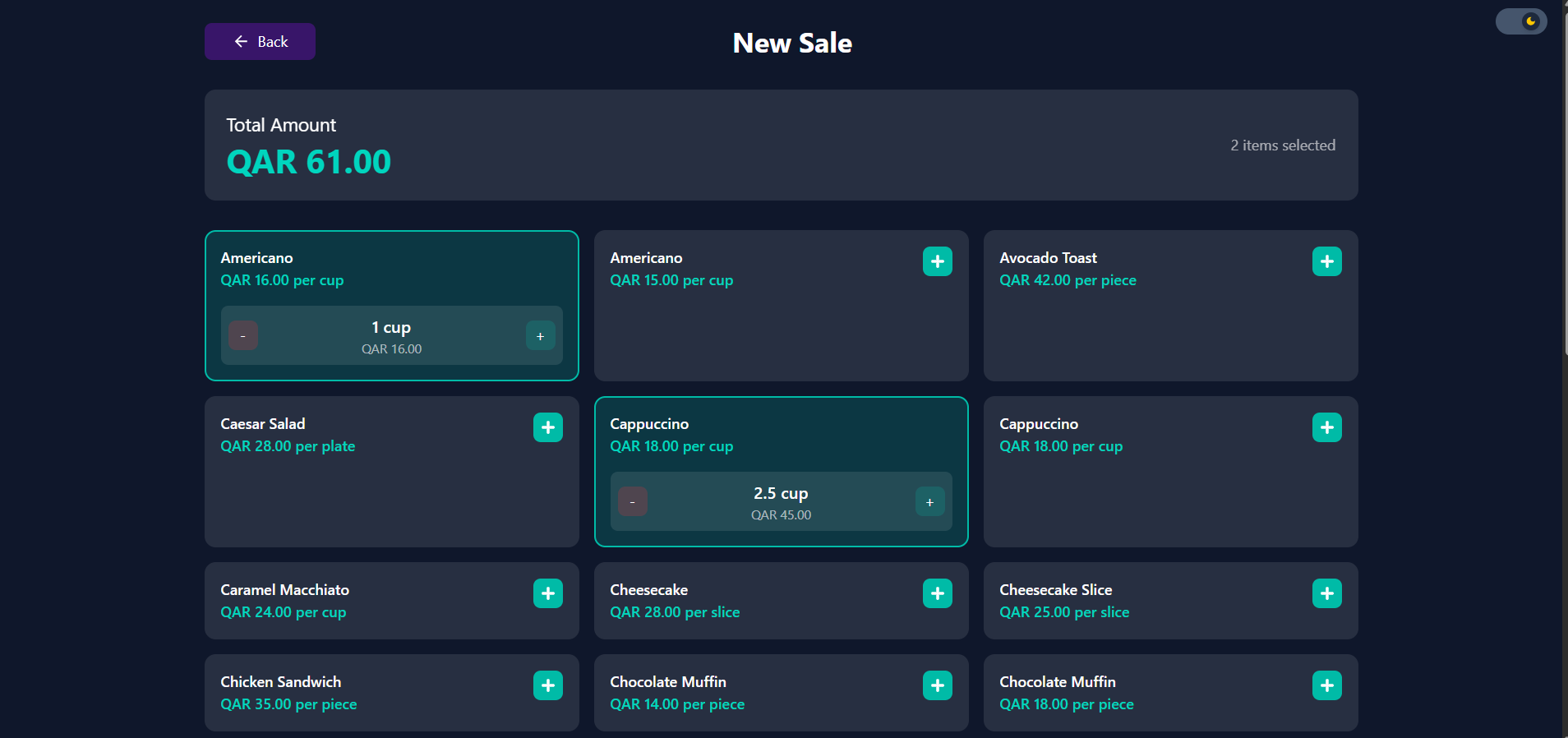
Order entry with receipt generation, built for one-handed use at a counter.
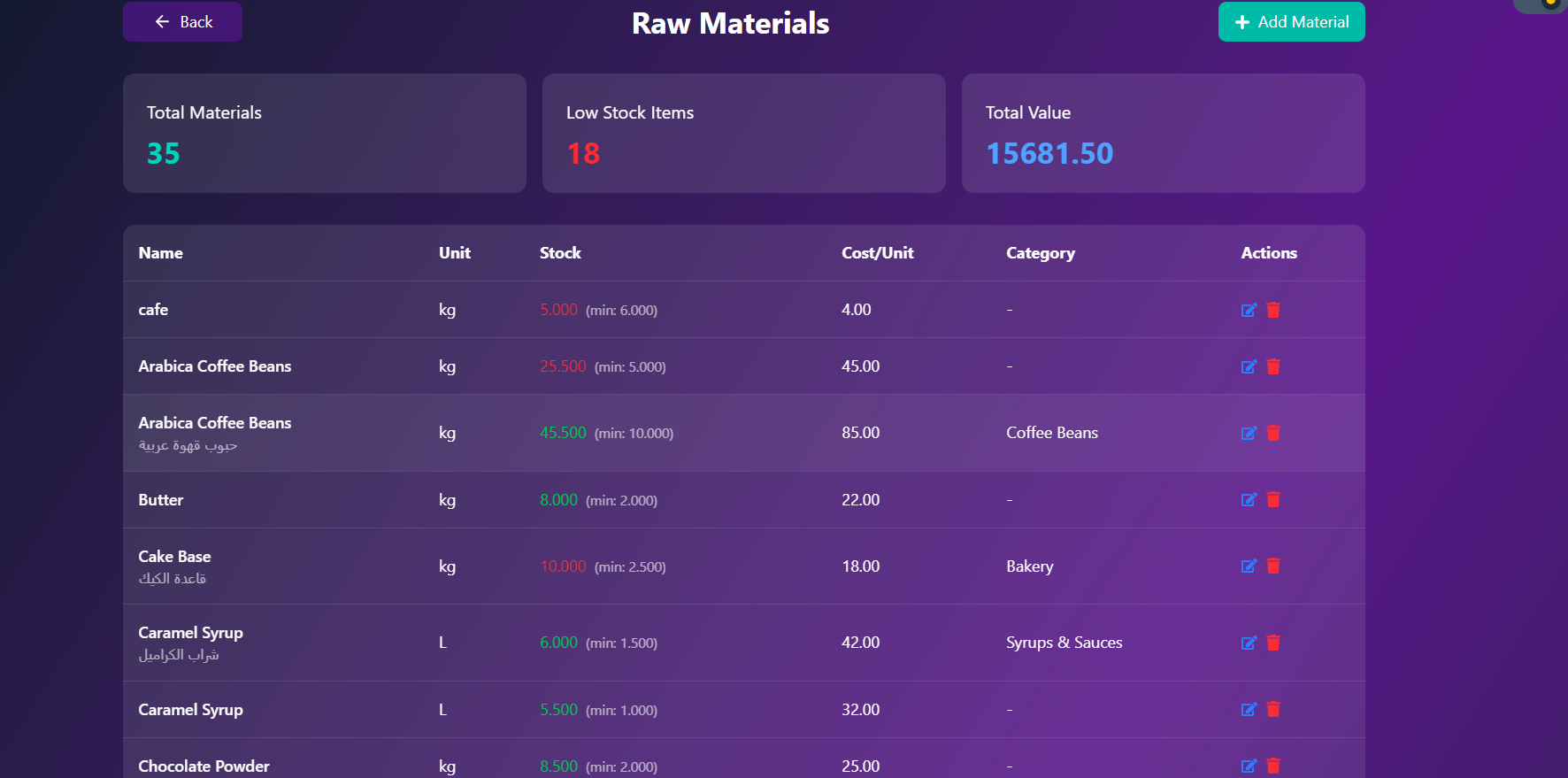
Raw materials and finished products, with a minimum per item and inline below-minimum flags.
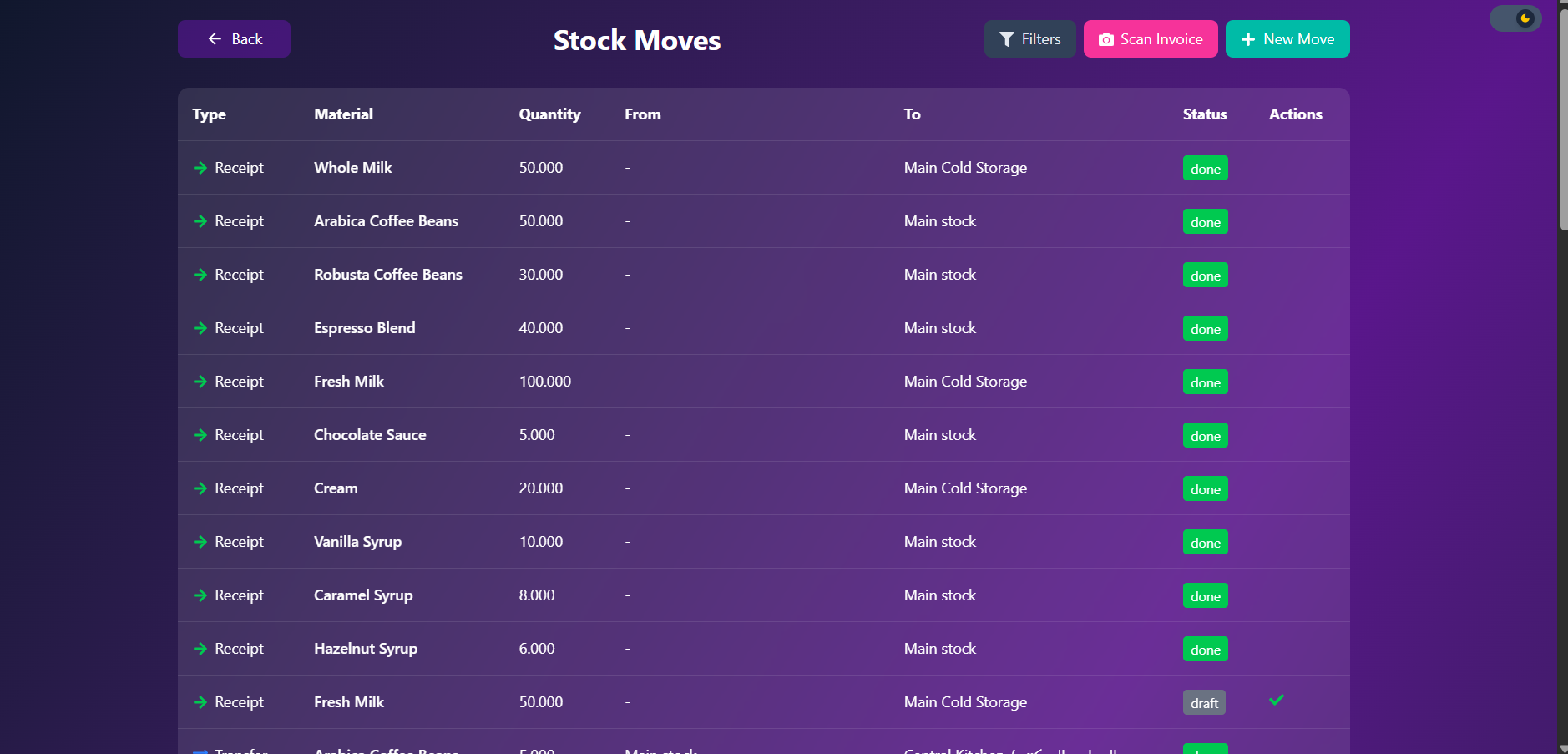
Transfers between locations with explicit draft / done states, not a checkbox.
Supplier tracking, order status, and the receiving side of stock.
Sales dashboards and Excel-exportable reports.
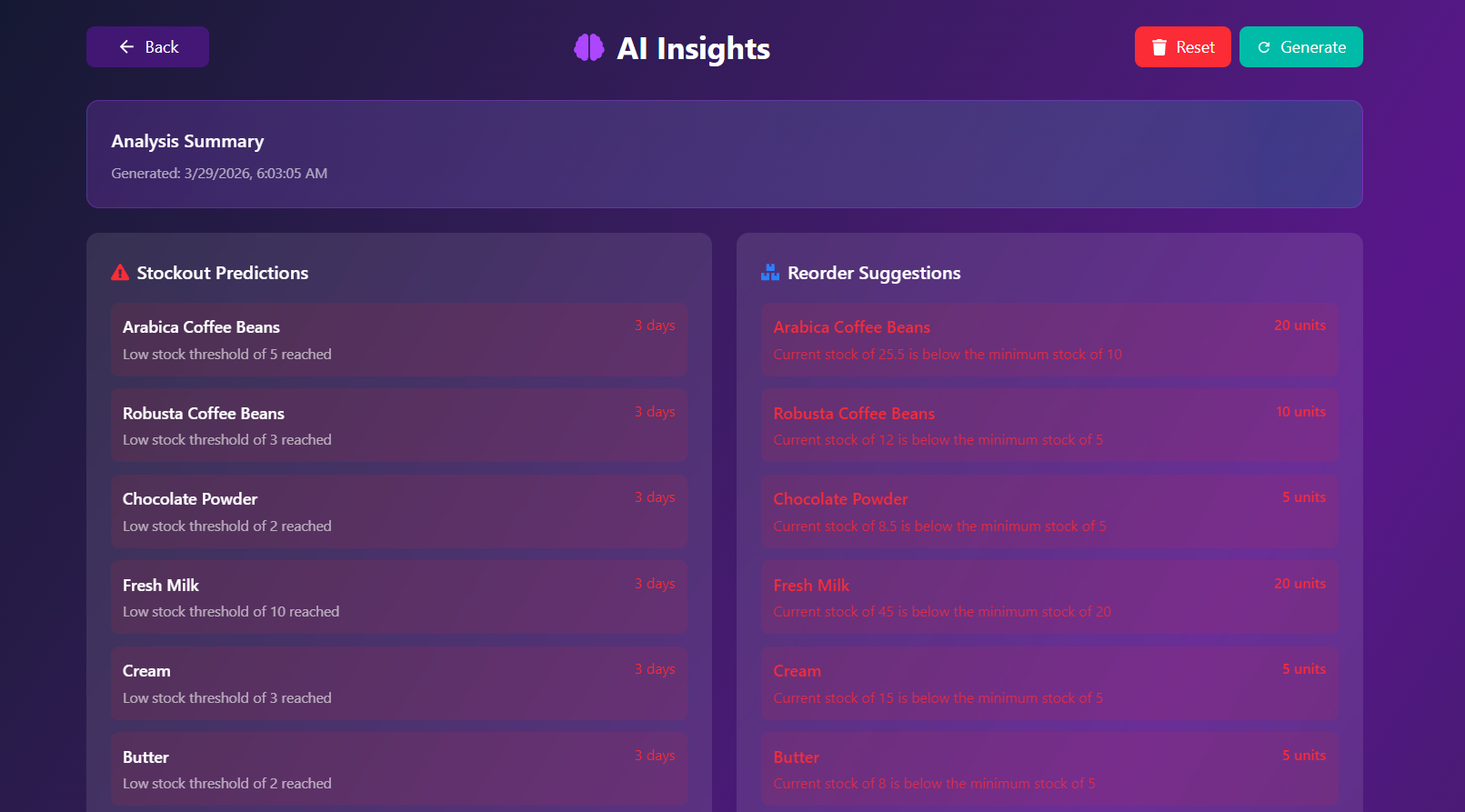
Stockout predictions and reorder suggestions from Groq (Llama 3.1) and Gemini — each one shows the threshold that fired it.
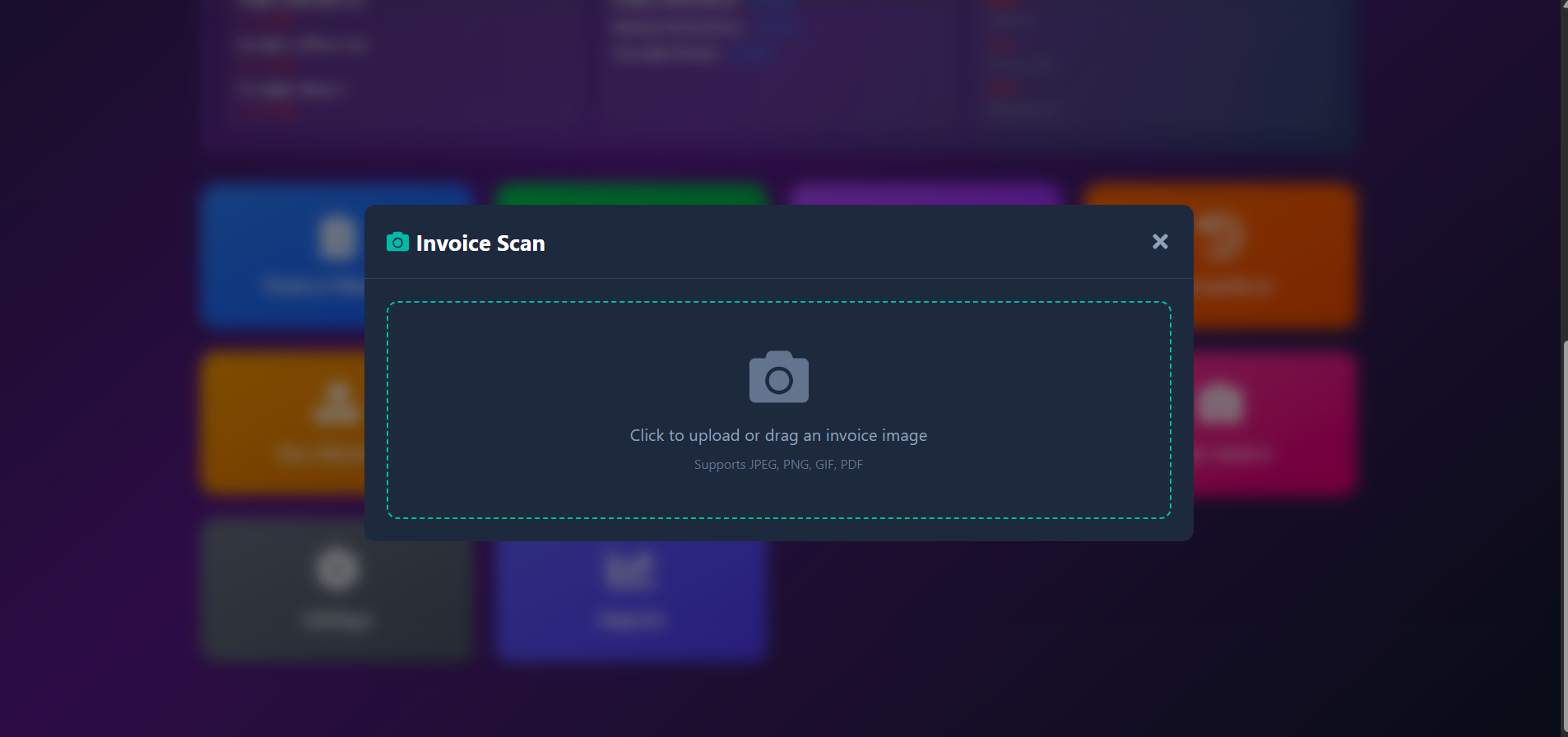
Tesseract OCR plus an LLM to pull line items out of a supplier invoice photo or PDF.
Inventory and movement scoped per location, for a small franchise rather than a single shop.
Screens
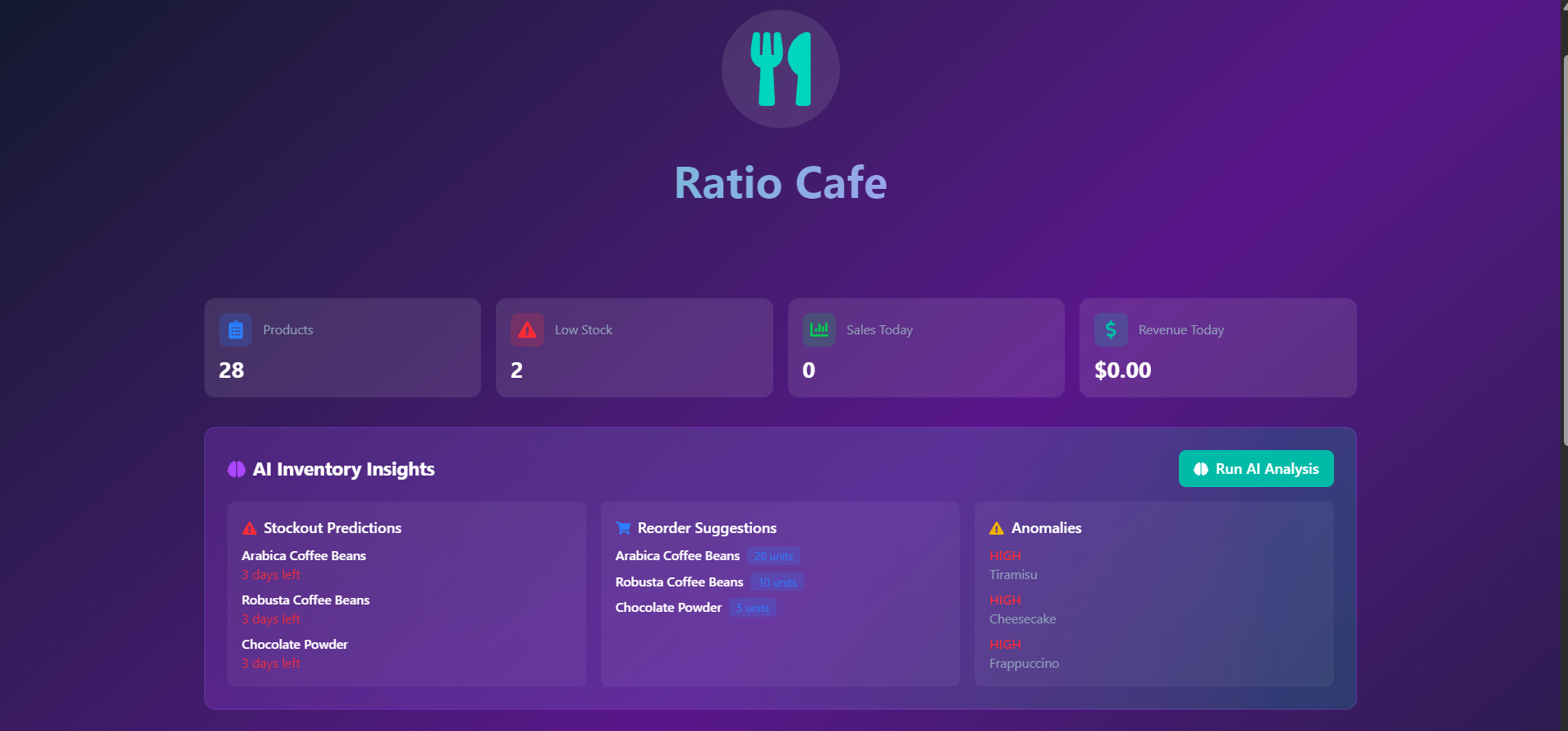
The ones that show how it was designed for the counter and the stockroom rather than for a demo.
Stack
| Frontend | React 19 · TypeScript · Tailwind · Vite |
| Backend | Node.js · Express |
| Database | MySQL 8 |
| AI | Groq (Llama 3.1) · Google Gemini |
| OCR | Tesseract |
| Runtime | Docker Compose — db, server, client |
Run it
Docker Compose brings up three containers: MySQL, the Express server on :5000, and the client on :80. The schema loads itself on first boot; there's seed data to populate it for a look around. The Groq and Gemini keys are only needed for the AI insights and invoice scanning — everything else runs without them.
git clone https://github.com/firaslamouchi21/RESTAURANT-CAFE-MANAGMENT-SYSTEM
cd RESTAURANT-CAFE-MANAGMENT-SYSTEM
cp .env.example .env    # set DB_PASSWORD, JWT_SECRET, GROQ_API_KEY, GEMINI_API_KEY
docker compose up
Then open localhost for the app. Full setup notes,
environment variables and the manual (non-Docker) path are in the repository README.
Contact
Forking it for your own café, stuck on setup, or you fixed something worth upstreaming — this goes straight to Firas's inbox and you'll get an auto-reply to confirm.